Run the pipeline locally
Open the terminal and nagivate to the directory where the pipeline.go file is located and run:
dagger run go run pipeline.go
That is it!
The very first time you run a pipeline, Dagger will download the necessary Docker images and set up the environment. This may take a few minutes.
Expected output
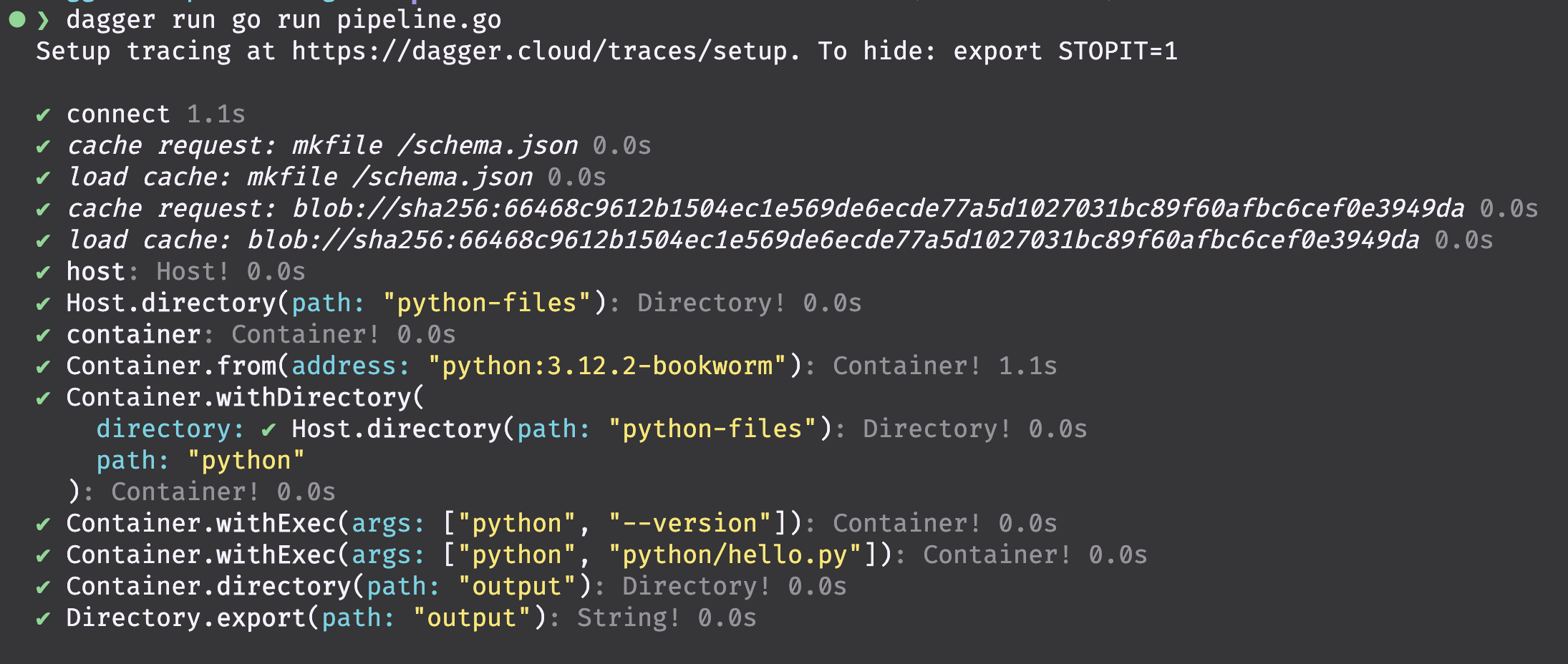
Hold on, let's recap what happened
- The Dagger engine create a new container based on the image
python:3.12.2-bookwork. - It injected the files located in the folder
python-fileson the host file system into the container's file system. - It then ran the python script inside the container.
- The python script generated a
.txtfile inside the container. - Finally the workflow copied the
.txtfile from the container to the host file system, under a folder called/output.
The output hello-from-python.txt file should contain the following:
Hello from Python in Dagger!
Next, let's run the pipeline in a GitHub Action workflow.